Jupyter Notebooks Get Started
View Notebooks
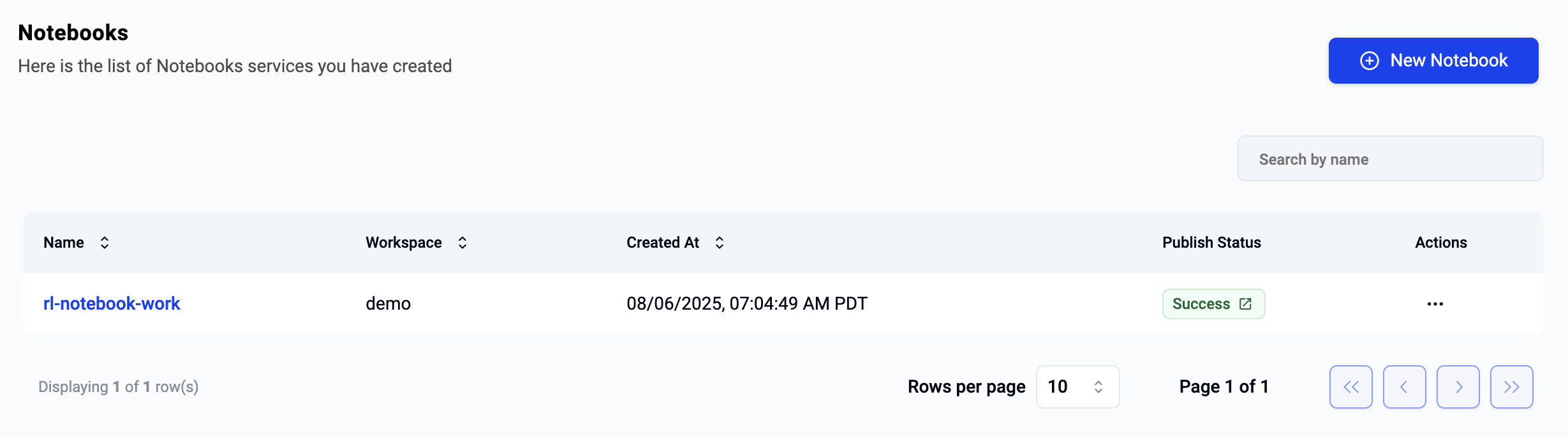
Open the notebooks menu to list all notebooks you can access. Notebooks may be deployed to different workspaces.
To view details for a notebook, click the notebook name.
Use Notebook
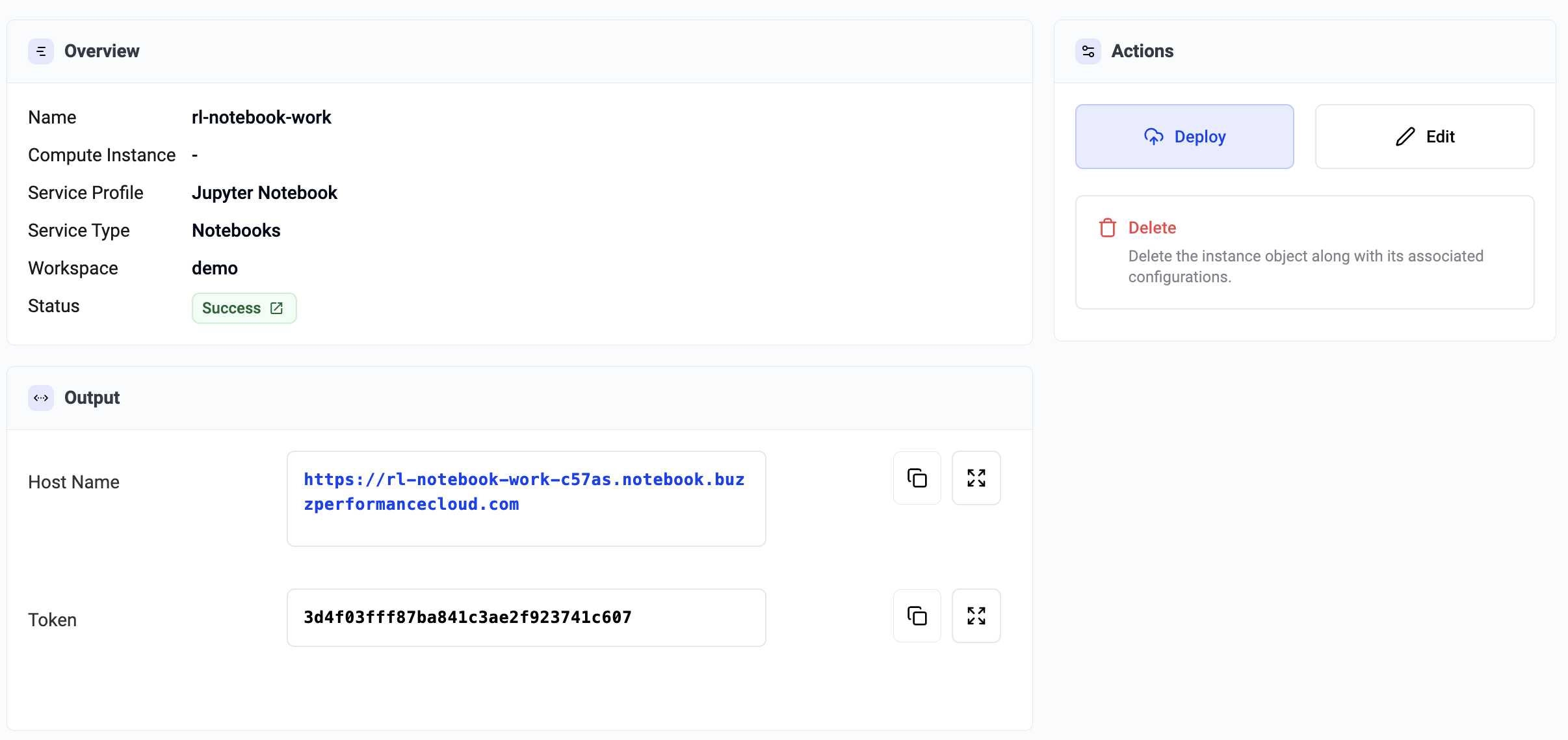
After deployment completes, the notebook page provides:
- Notebook URL
- Access token (authentication credential)
You can click the URL directly or copy it into a browser.
Info
Users must provide the access token before they can access the Jupyter notebook.
Recommended Flow
- Read the Overview
- Complete Configuration
- Access and use your notebook from this page