Jupyter Notebooks Configuration
Create Notebook
Click on New Notebook to create a new notebook.
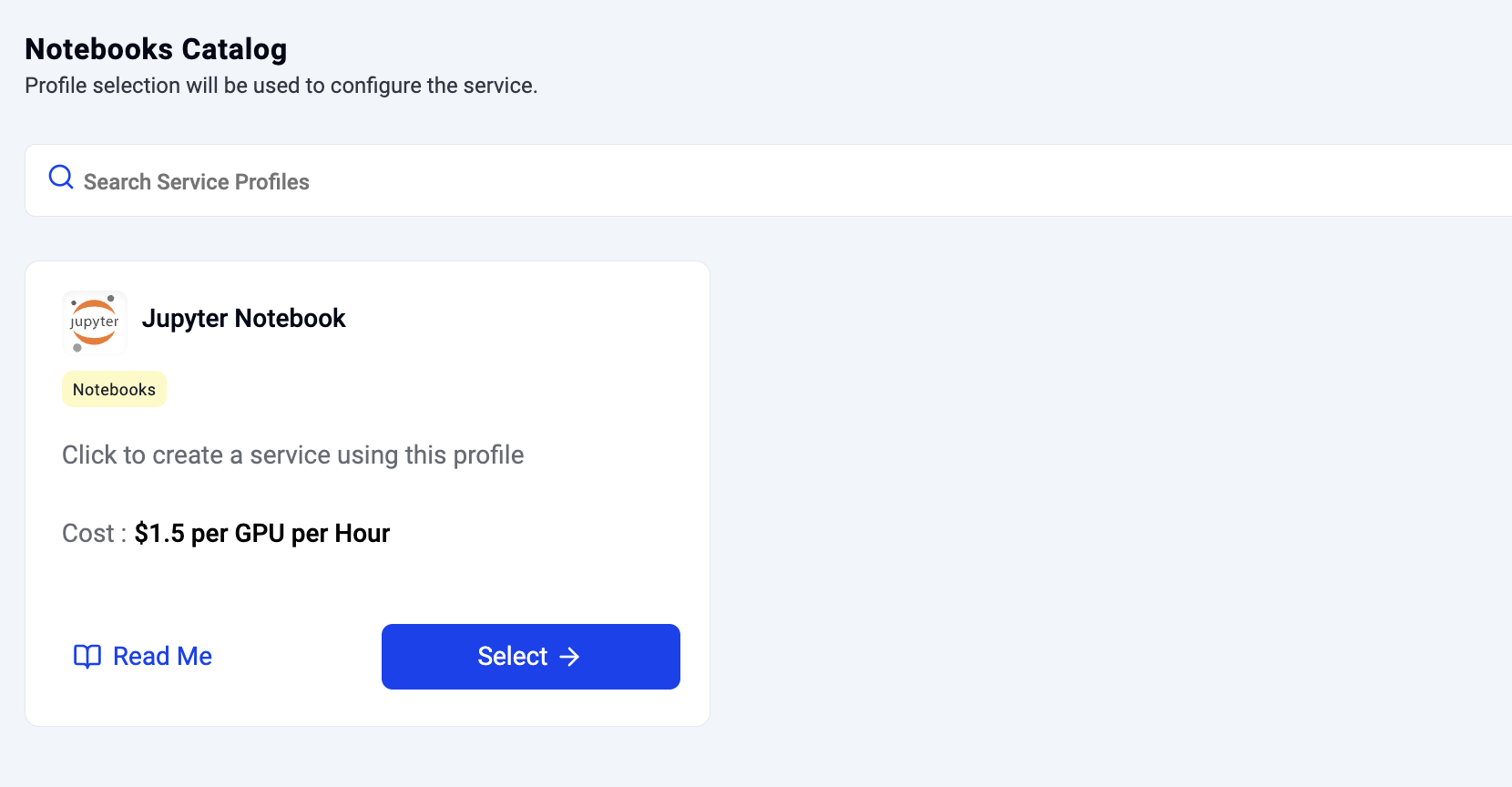
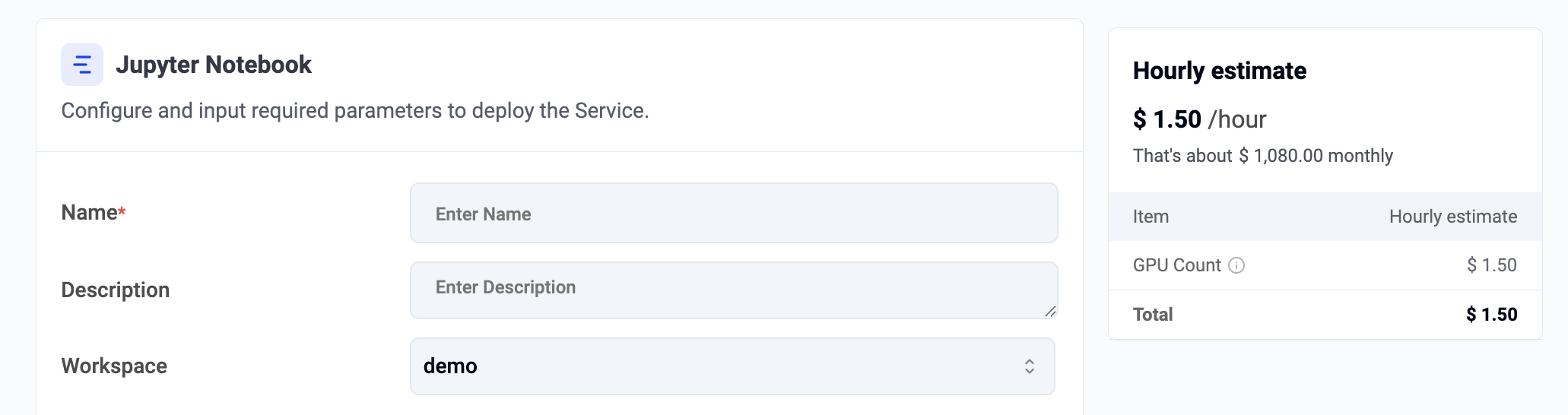
Configure Notebook
Provide a notebook name and select the workspace where the notebook should be deployed.
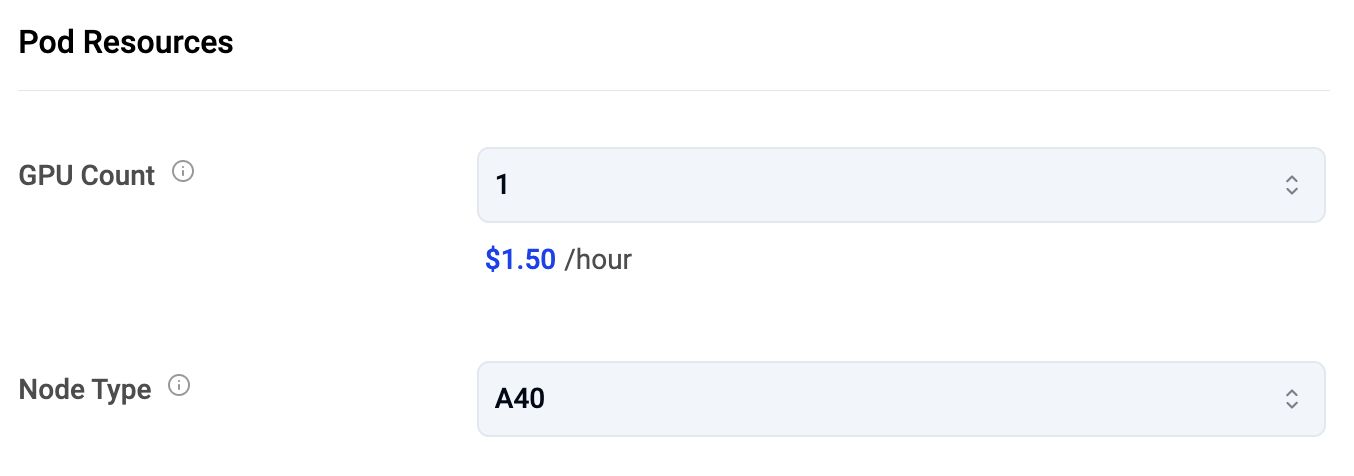
Notebook Resources
Specify the GPU resources for the notebook:
- Number of GPUs
- GPU model/type (node type)
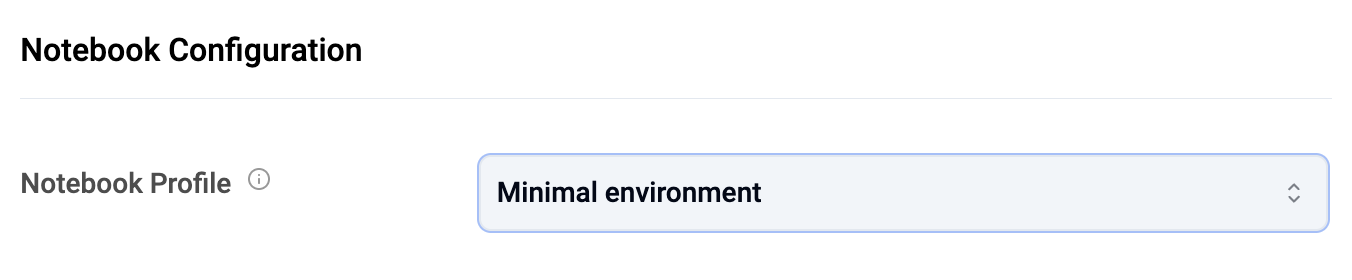
Notebook Profiles
A notebook profile maps to a notebook image pre-installed with required frameworks, libraries, and software add-ons. Profiles help users start immediately without manual setup.
| Profile | Description |
|---|---|
| Minimal | Basic libraries and frameworks only |
| Data Science | With common libraries for data science |
| Spark | With libraries required for Spark |
| Tensorflow | With Tensorflow libraries |
| Tensorflow with CUDA | With Tensorflow and CUDA libraries |
| PyTorch | With PyTorch libraries |
| PyTorch with CUDA | With PyTorch and CUDA libraries |
Select the profile from the provided dropdown list.
Delete Notebook
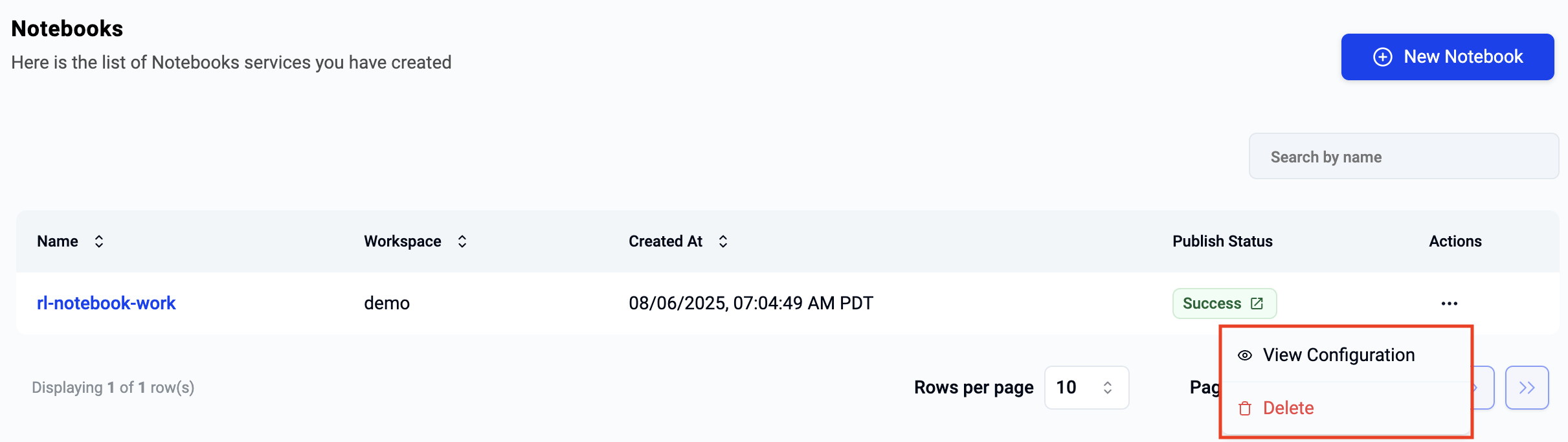
To delete a notebook, click the ellipsis menu on the selected notebook and choose delete.
Info
Once deletion has been initiated, it cannot be stopped or reversed. Users can create a new notebook if required.