Welcome!
Welcome to the SHARON AI Cloud! If you're new to the platform or are feeling lost, try these steps to get up and running quickly with some GPU optimised workloads.
Step 1: Create a Workspace
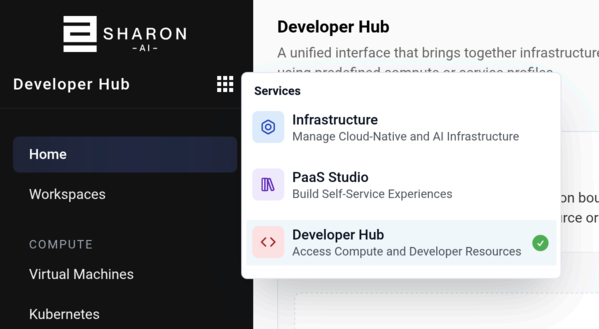
Click the 9-dot menu, then click "Developer Hub"
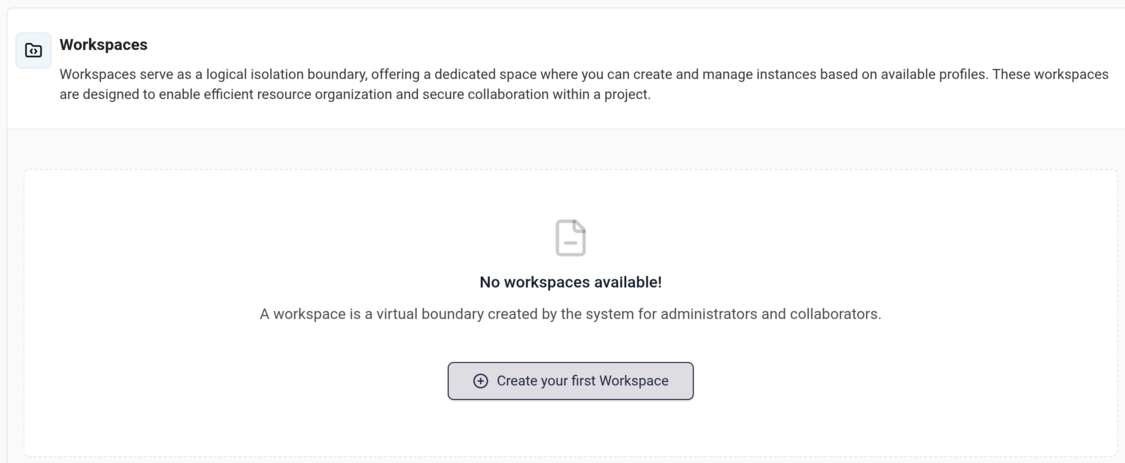
Click "Create your first Workspace"
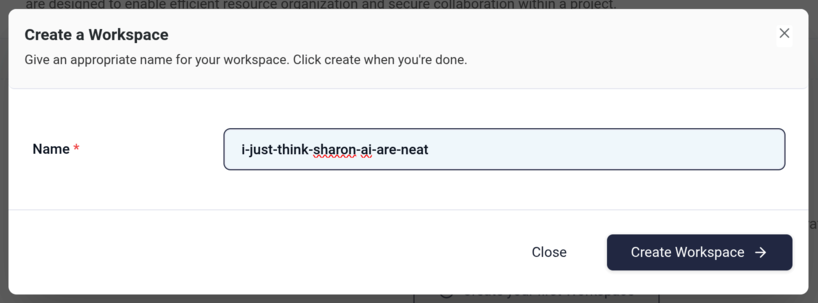
Name your workspace:
Step 2: launch your instances from the Developer Hub
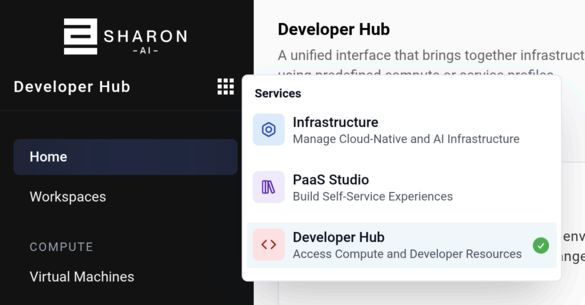
Click the 9-dot menu, and select "Developer Hub"
Scroll through the profile options to see what's available.
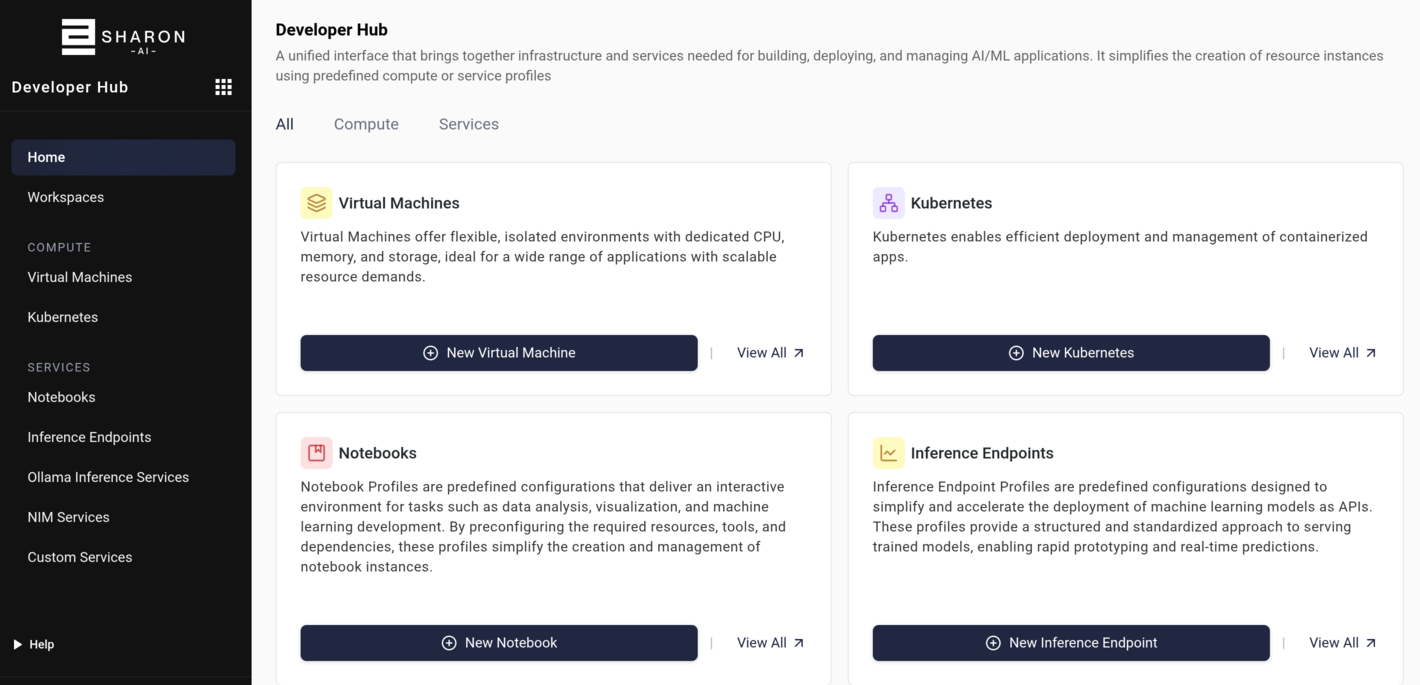
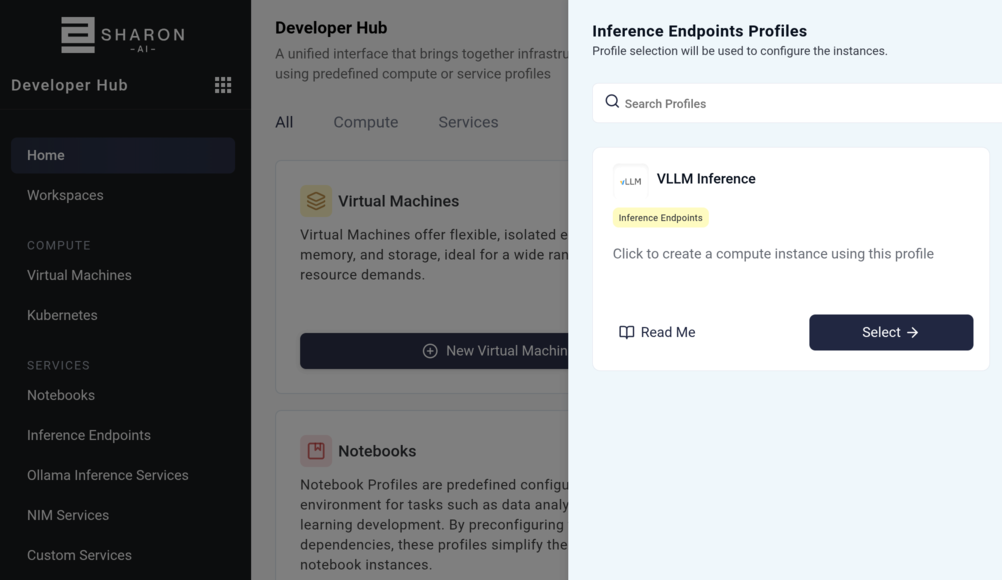
Select Inference Endpoints:
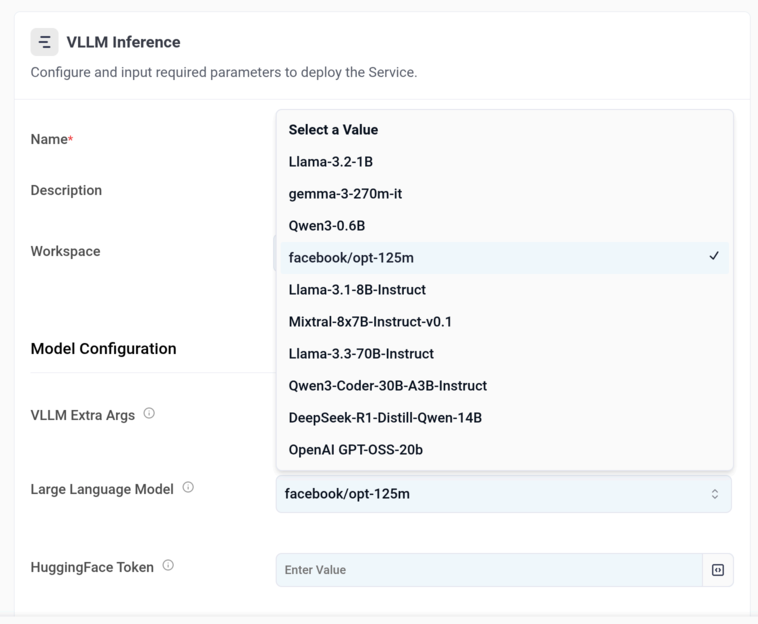
Select one, and browse the available settings, models, etc:
Back to our Developer Hub, and we'll select the Notebooks profiles this time:
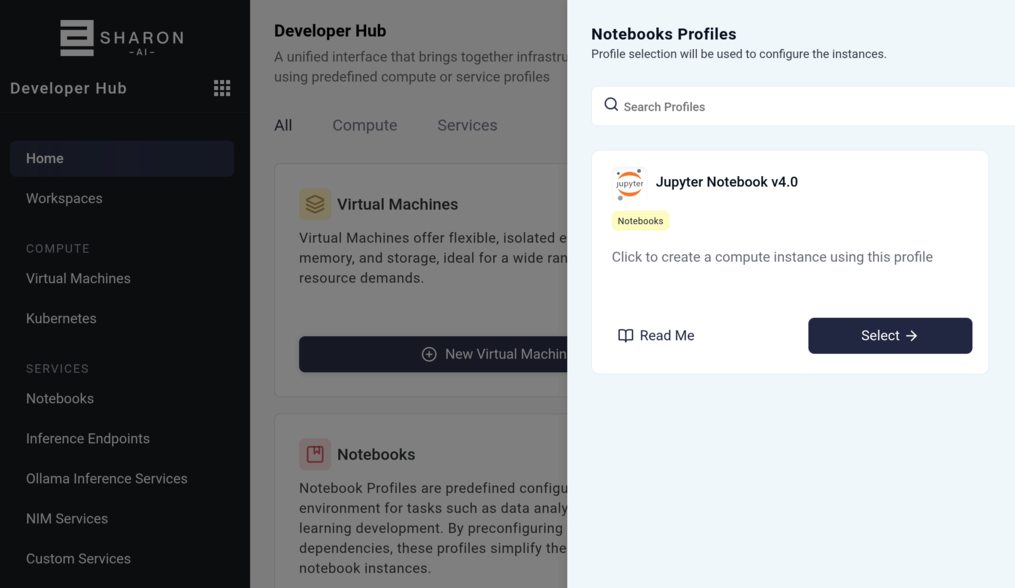
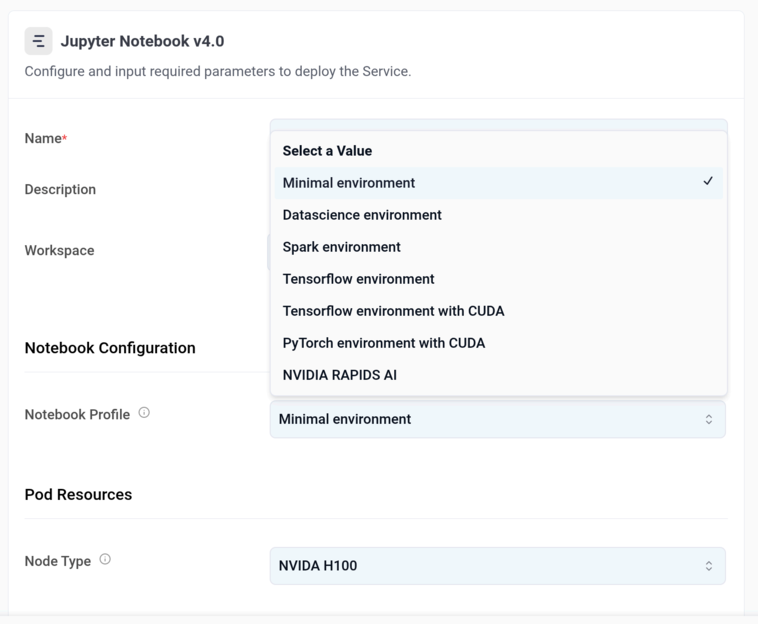
Select the Jupter Notebook profile, and look at the options available for frameworks and tools:
Now you're ready to compute with SHARON AI powering the way!